NutriScan Pro
Tap a control and watch the scale respond — the motor lid, the one‑press measure, and the two snap‑on bowls for raw and cooked food.
Interactive 3D model · Drag to rotate
Tap a control above — the button presses in on the scale, and it responds.
The 3D view needs a local server (python3 -m http.server 8765). Don't open it via file://.
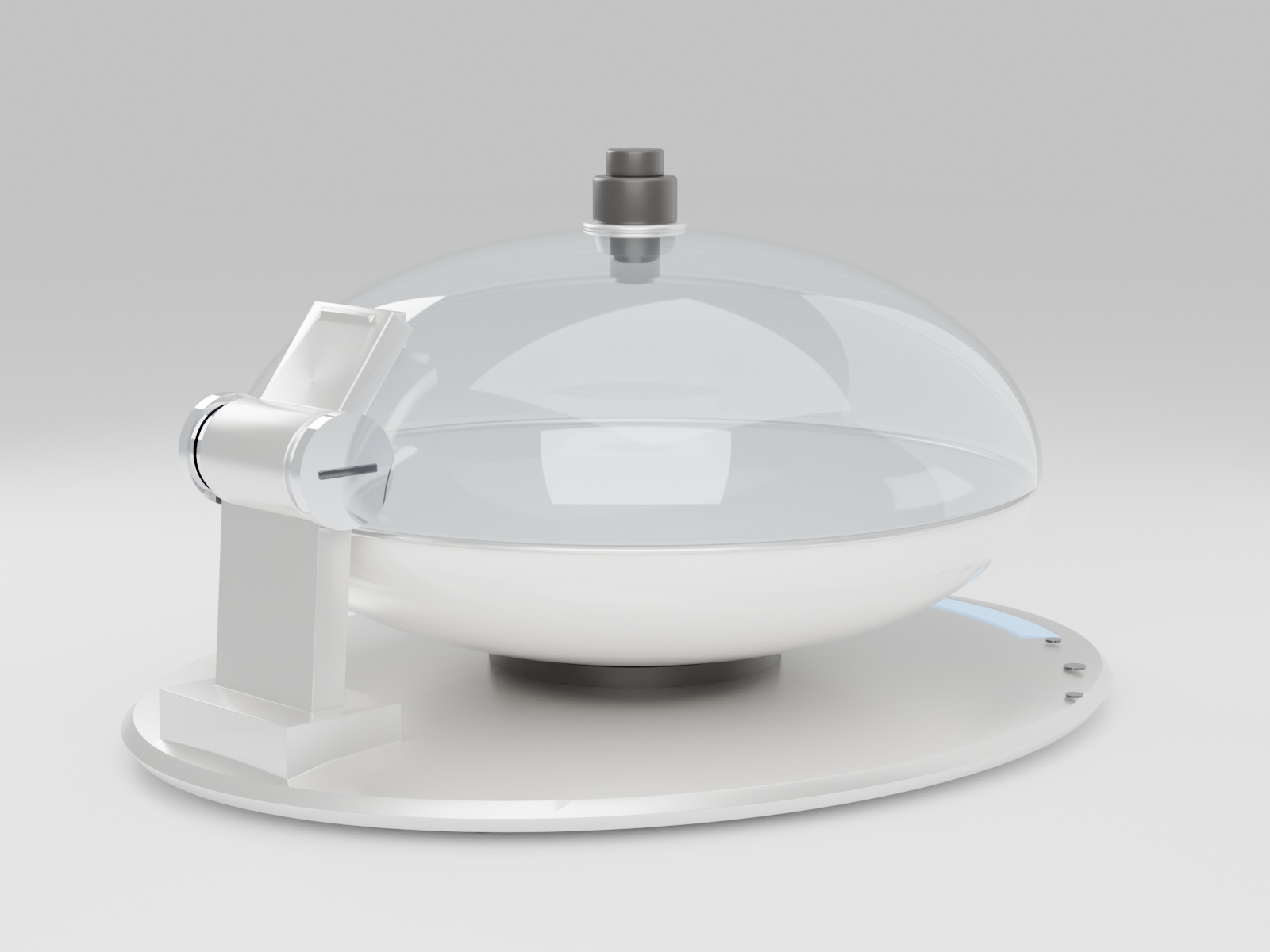
Logging a meal used to mean weighing every raw ingredient, looking each one up, and adding it all together. Now: set the finished meal down, press Measure — total weight, per‑food grams, calories, and macros all come out at once. And through the clear dome, you see exactly what's inside.

Photo‑only calorie apps aren't trusted because there's no physical ground truth. Here, weight comes only from the built‑in scale: the downward‑facing in‑lid camera identifies each food and its volume share, then splits the total weight W by share — Σmᵢ = W, so every gram traces back to the reading on the scale. If recognition wavers, it retries on its own.

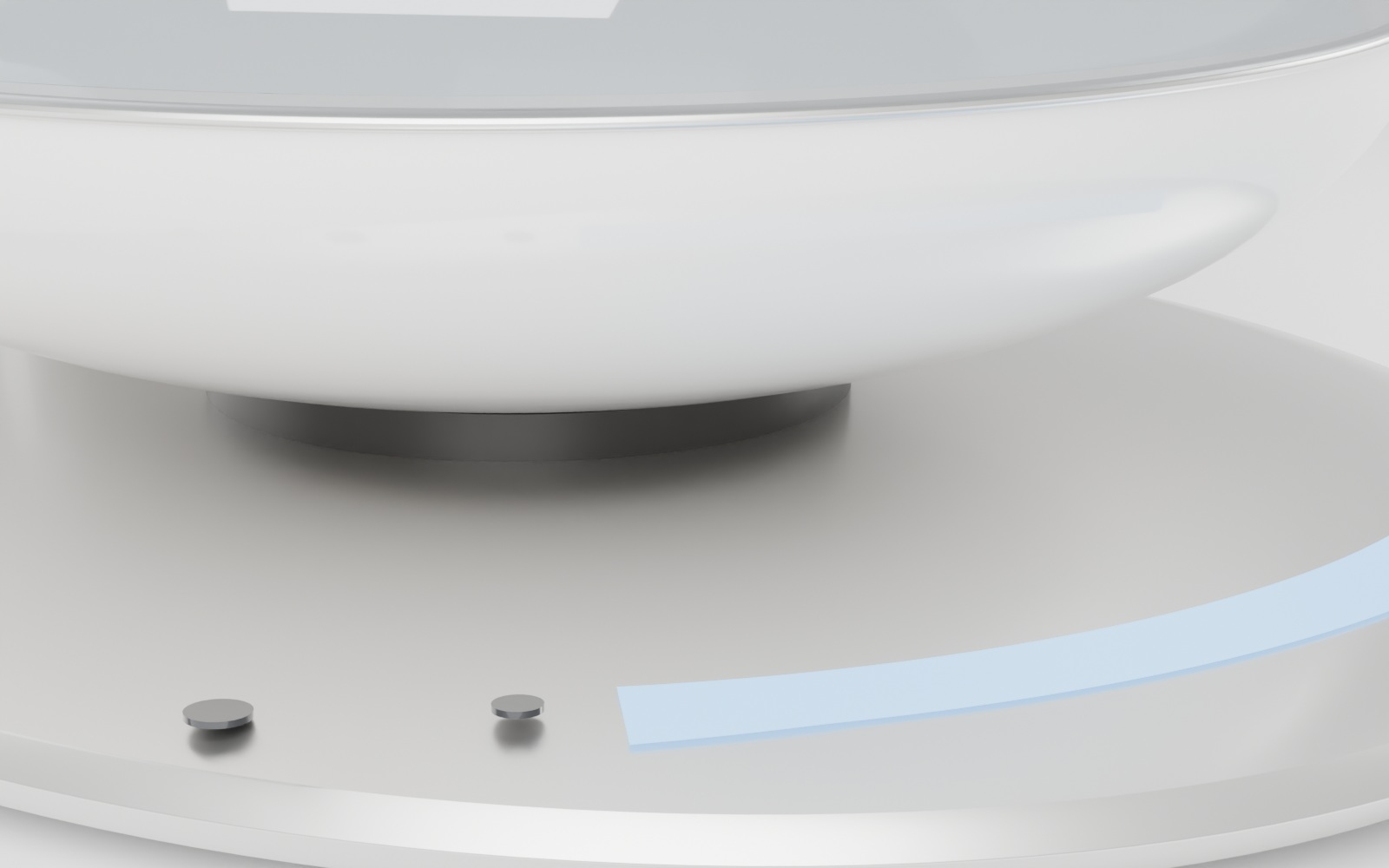
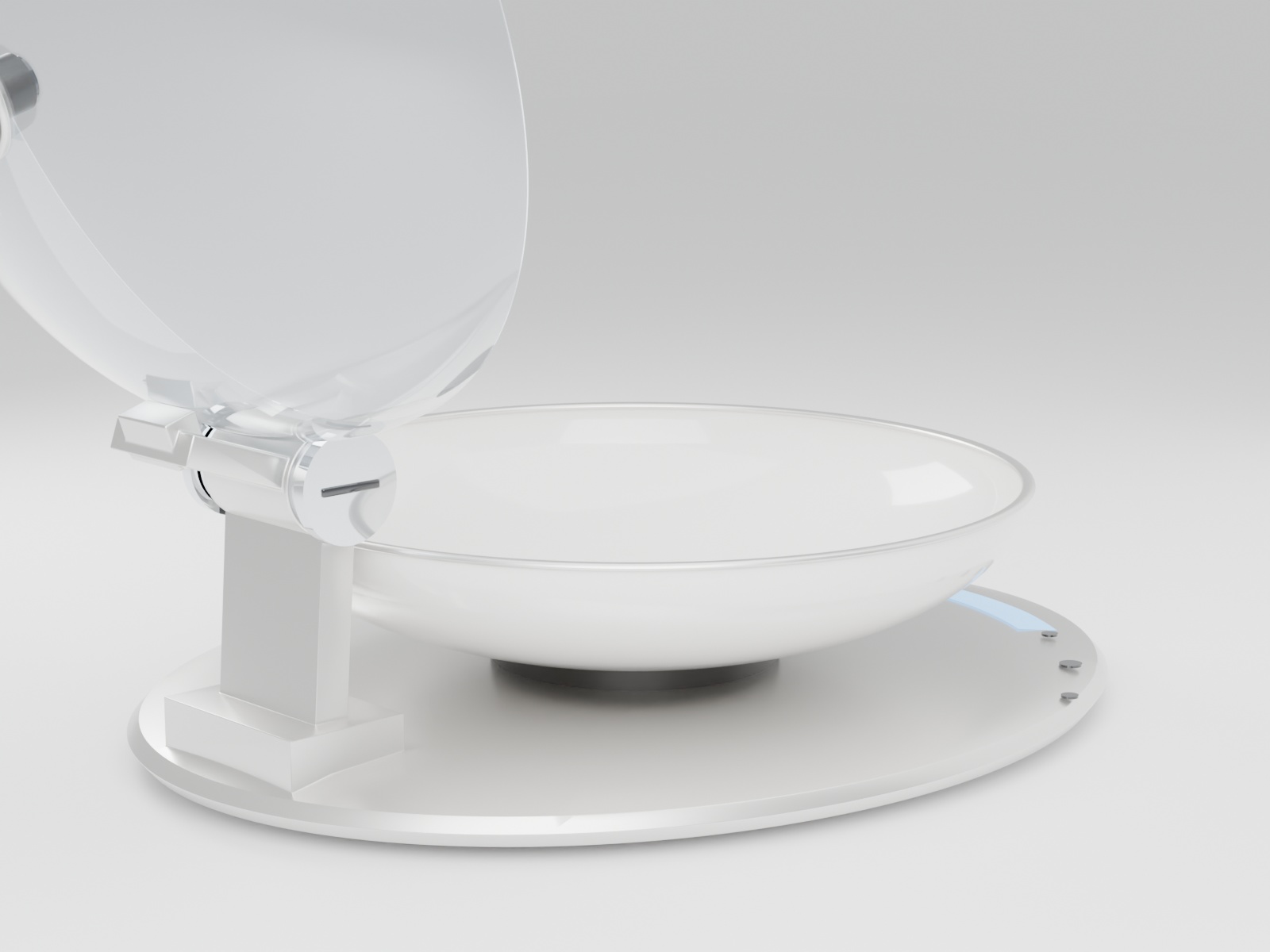
Oily hands? Press Open — the motor drives the rear hinge and the lid flips up on its own, no touching. Heads‑down plating? The borderless curved display wraps the front edge of the base, so a glance reads weight and status. Done eating? The bowl goes straight in the dishwasher; the whole lid rinses under the tap. Three side buttons: Open, Measure, Power.

The scale measures the total. The AI just looks. You don't need to know nutrition to read the result.
Every material maps to a real moment of use — removable, washable, drop‑proof, wipe‑clean.